Obsidian Extensions I use
June 12, 2026
TechnologyObsidianComputer Science
Moving to macOS, I'm also moving away from Obsidian as an "Everything App" which i tried to achieve using Obsidian Extensions. My current setup is almost vanilla again. This is a sentiment expressed in a popular meme
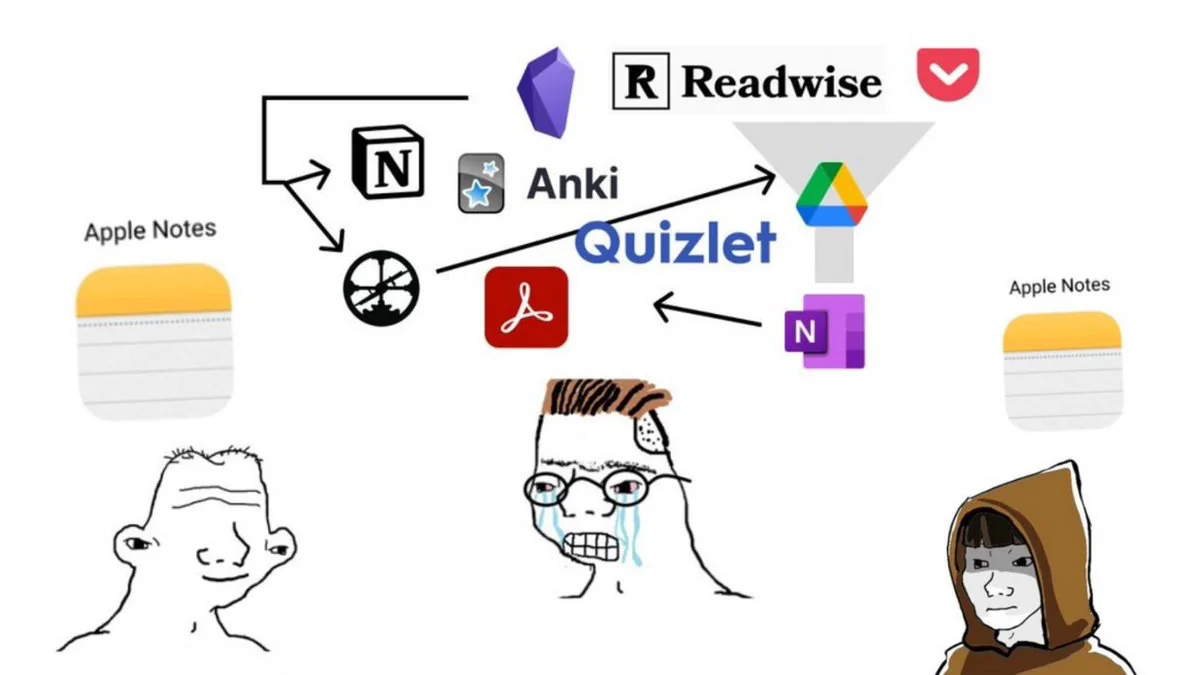
Or, alternatively, in the words of Faust, "I'm just as wise as formerly". So what extensions remain? I'm counting external extensions (or plugins) to Obsidian.
Obsidian Web-Clipper
This is not a plugin for Obsidian, but for the browser. It allows me to save a webpage as Markdown and import it into obsidian. Although it's not perfect 100% of the time, its worth a try. Otherwise, I save the webpage as (bundled) HTML, and read it with the HTML Reader extension.
Community Extensions
| Extension | Use |
| Callout Manager | You've seen a callout earlier in the post. This extension allows me to define my own types of callouts. The type determines the colour and icon of the callout. In this block, every callout is the same, but in Obsidian this helps structuring the information. |
| Excalidraw | This is a broad drawing suite. I don't use it actively any more, but I wrote some proofs and diagrams there so i keep it in place for compatibility. |
| Folder Notes | With this extension you can add a note that corresponds to a folder. The note itself is hidden in the UI and accessed by clicking on the folder. A common use is this: I have a sequence of notes, whose file-names are not alphabetically ordered. In the folder note, I can structure the sub-notes in a logical order. |
| HTML Reader | See above. |
| Languagetool Integration | This integrates grammar and spelling correction. I run a LanguageTool-Server locally, which this connects to. |
| Multitag | I use this to apply tags to every note in a particular folder. Mainly to tag Uni-Notes per topic or semester after a course is done. |
| Remotely Save | This synchronizes Obsidian over Dropbox, so i don't have to pay for Obsidian Sync. |
| Tab Switcher | So i can use CTRL+Tab to switch tabs like in a browser |
| Simple Table Math | This adds Sums etc to Markdown tables. |
| Tag Wrangler | With this extension you can rename Tags. I structure my Tags hierarchically, for example Maths/Analysis/PDEs; and sometimes i try to refactor this, where this is needed. |
Custom Extensions
I also wrote some of my own extensions.
| Extension | Use |
| Create Anki Card | I select a piece of text, and in the right-click menu i can create an Anki card with the selection. I can then select the Anki-deck and title in a prompt. Markdown formatting is cleaned up, and mathblocks (MathJax) get converted to Anki-mathblocks. |
| QED | Adds the \qed command from latex. In reading-mode, a ▢ appears in its place. |
| Git Auto Push | Performs git add ., git commit -m "<date>" and git push origin. |
| TikzJax | This extension renders Tikzjax diagrams. I use this for commutative diagrams while studying Math. As this is Latex-syntax, this is widely reusable. Technically i only forked this extension :) |