I got a new Keyboard
June 18, 2026
KeyboardsReal-LifeComputer Science
I built this last year, but I'm only now finishing this post. Here is a picture of the board in action:
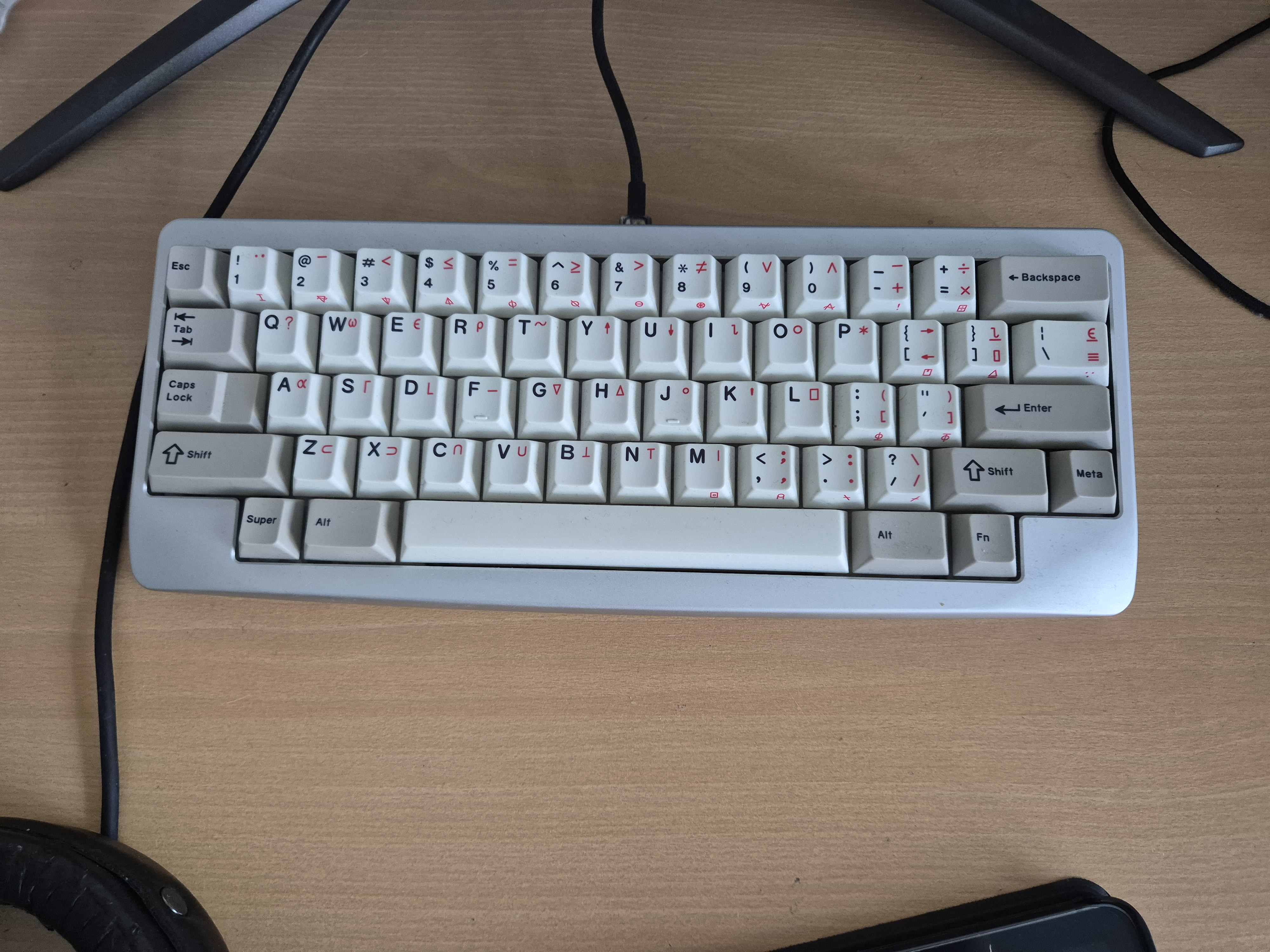
The special symbols are APL-symbols. Although I don't type APL regularly, i like the aesthetics.
When building a Keyboard, several components are needed
| Component | Description |
| Case | Where the Keyboard lives, can be made of plastic or metal, but sometimes wood. |
| PCB | The Brains of the Keyboard. The switches are placed there. One differentiates between solder- and hotswap-pcbs. In the latter, the switches won't be soldered on. |
| Keycaps | This is where you press on. Most will be made of plastic, either ABS or PBT. |
| Switches | Sit between Keycaps and PCB. |
| Stabilizers | Stabilizers sit along wider keys like the space-bar and ensure even motion. They have to be lubed for smooth travel. |
| Plate | Often (but not in general) The switches are supported by a plate, such that the force of typing is not absorbed by the PCB. The choice of plate also impacts the sound of the keyboard. |
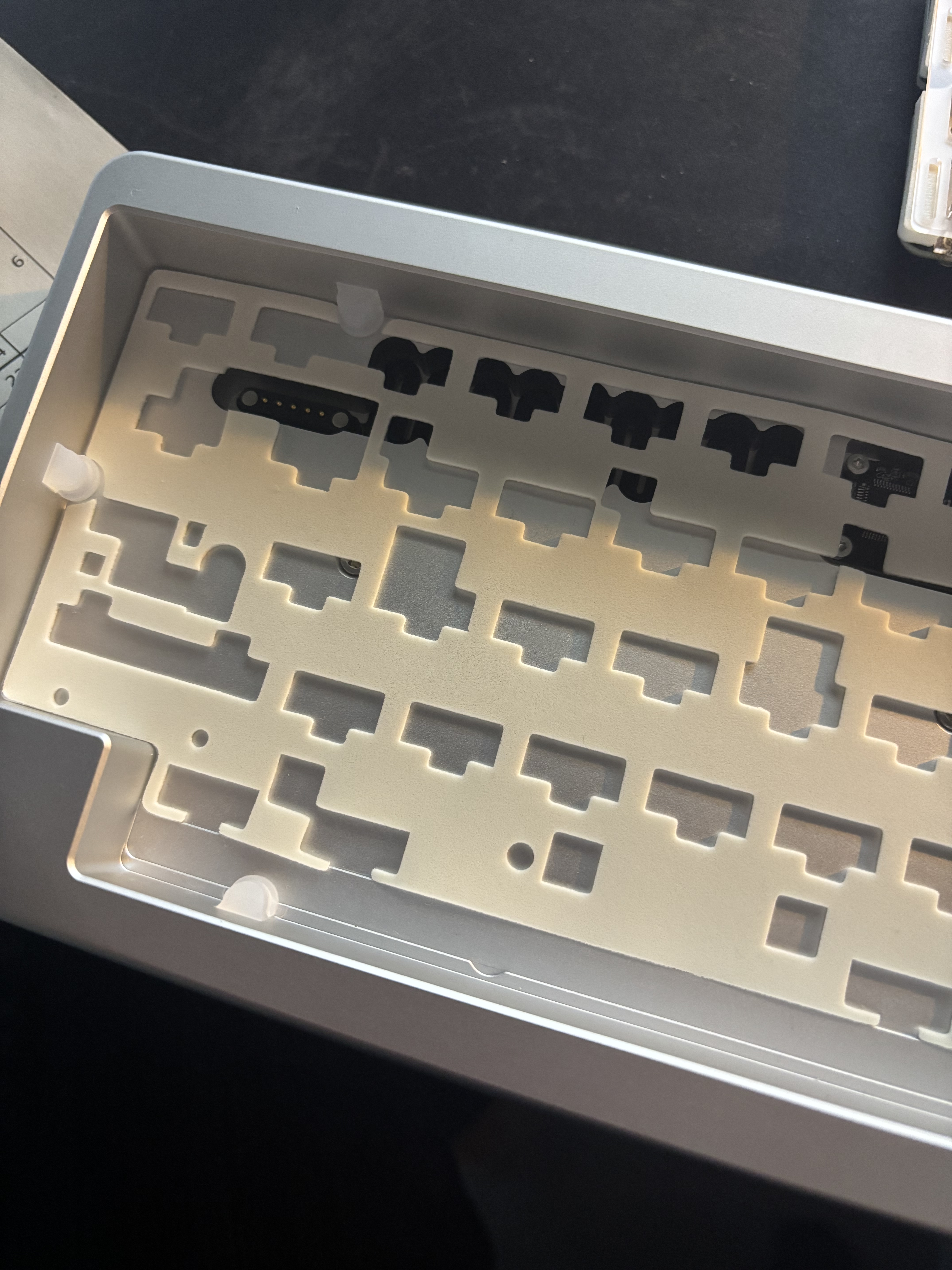
I got Case and PCB together in a kit, the KBDfans Agar.
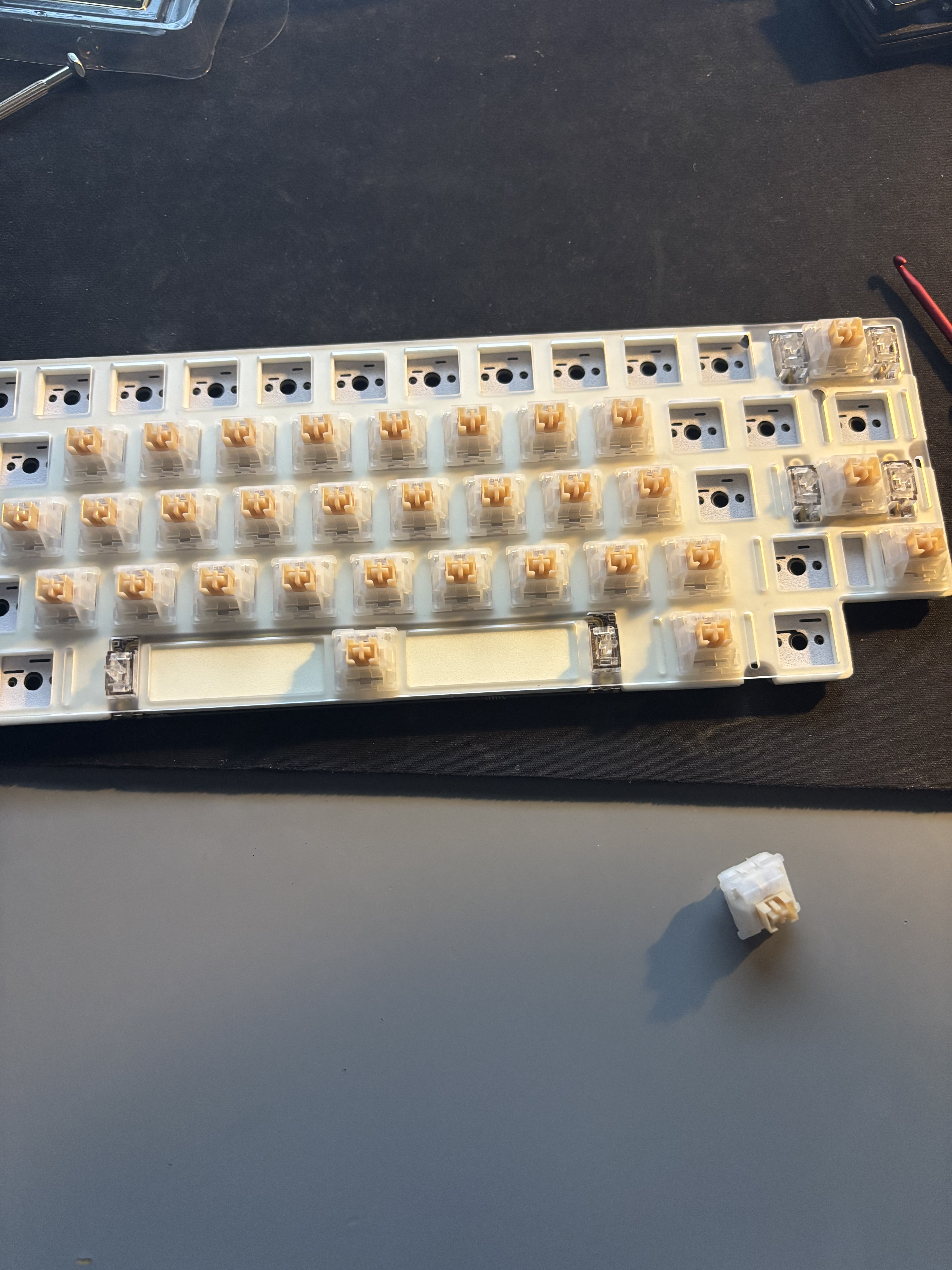
There are several options for switches as well. Here is a brief overview:
| Type | Description | Example |
| Linear | To press the key the pressure is constant. Often used for gaming. | Cherry Red |
| Tactile | There is a small bump when pressing a yey | Cherry Brown |
| Cherry Blue - loud clicking sound | ||
| Topre | Mainly found in Hhkb-keyboards. A membrane switch with tactile feel. | |
| Membrane | Those are used in most off-the shelf keyboards. |
I bought outemu silent yellow jade switches for mine; Some data:
001Type: Silent Tactile002Actuation force: 50g003Bottom out force: 65g004Total travel: 3.3mm
Silent switches were a priority to be able to use my board in public spaces discreetly.
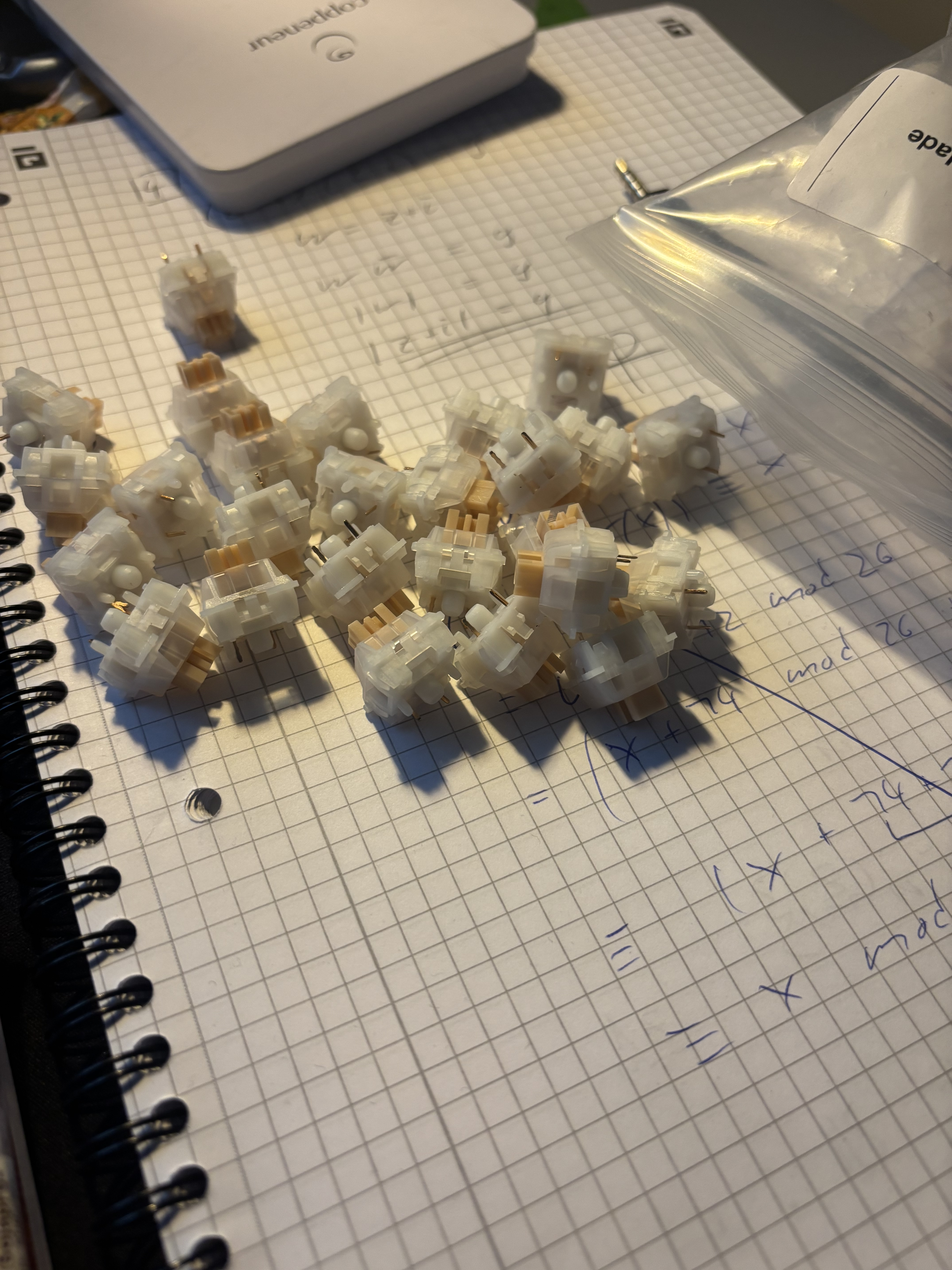
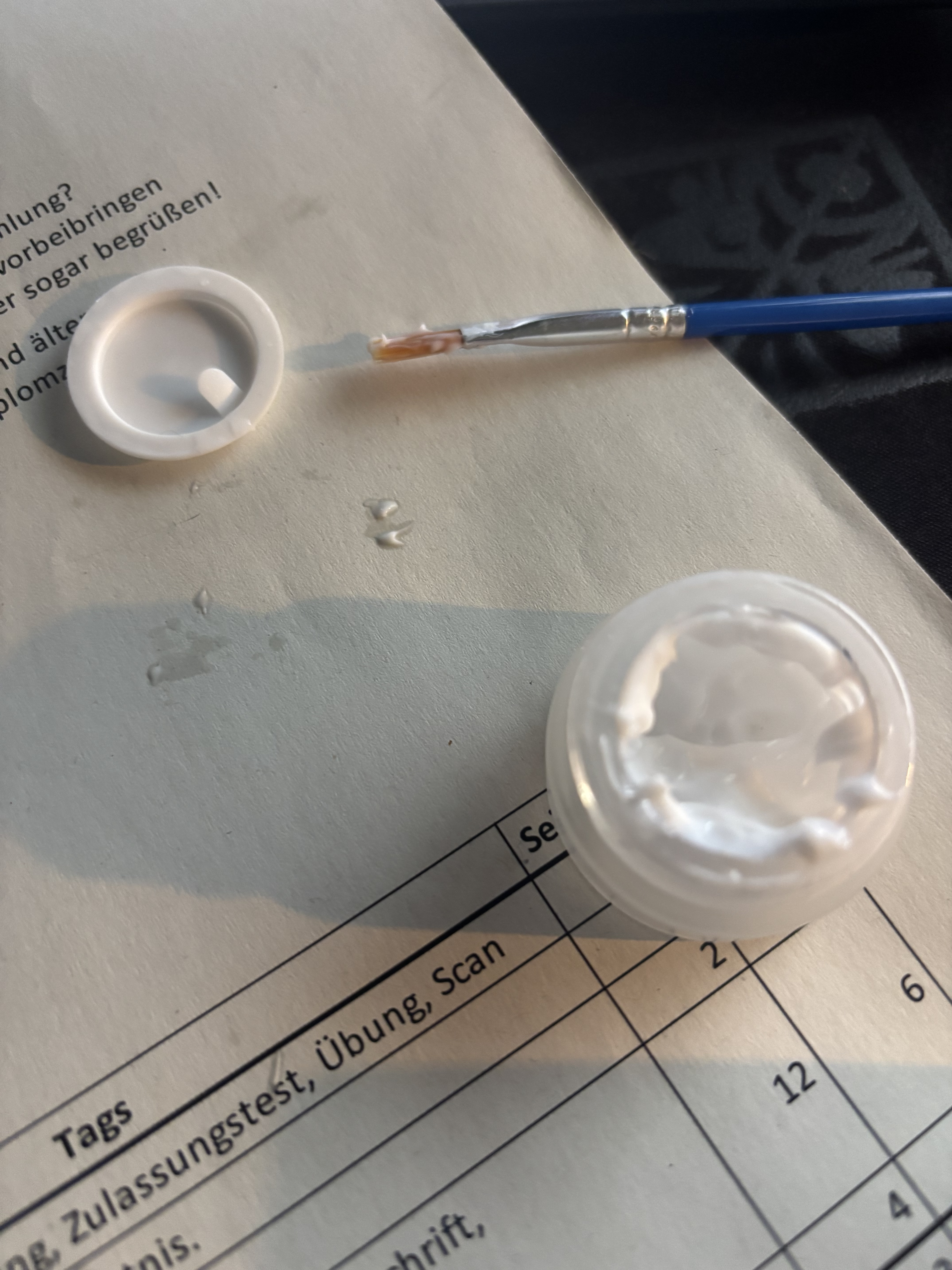
Lube for the stabilizers:
Several pieces of foam are placed into the case for acoustics.